
Explore granular systems and active matter.
Interactive simulations for exploring particle dynamics on your Mac.

Granular LAB 2.1

Free · macOS 14.0 or later
From grains
to collective behavior.
Explore how grains flow, mix, vibrate and transmit forces. Connect local interactions with the response of the whole system.
Explore granular experiments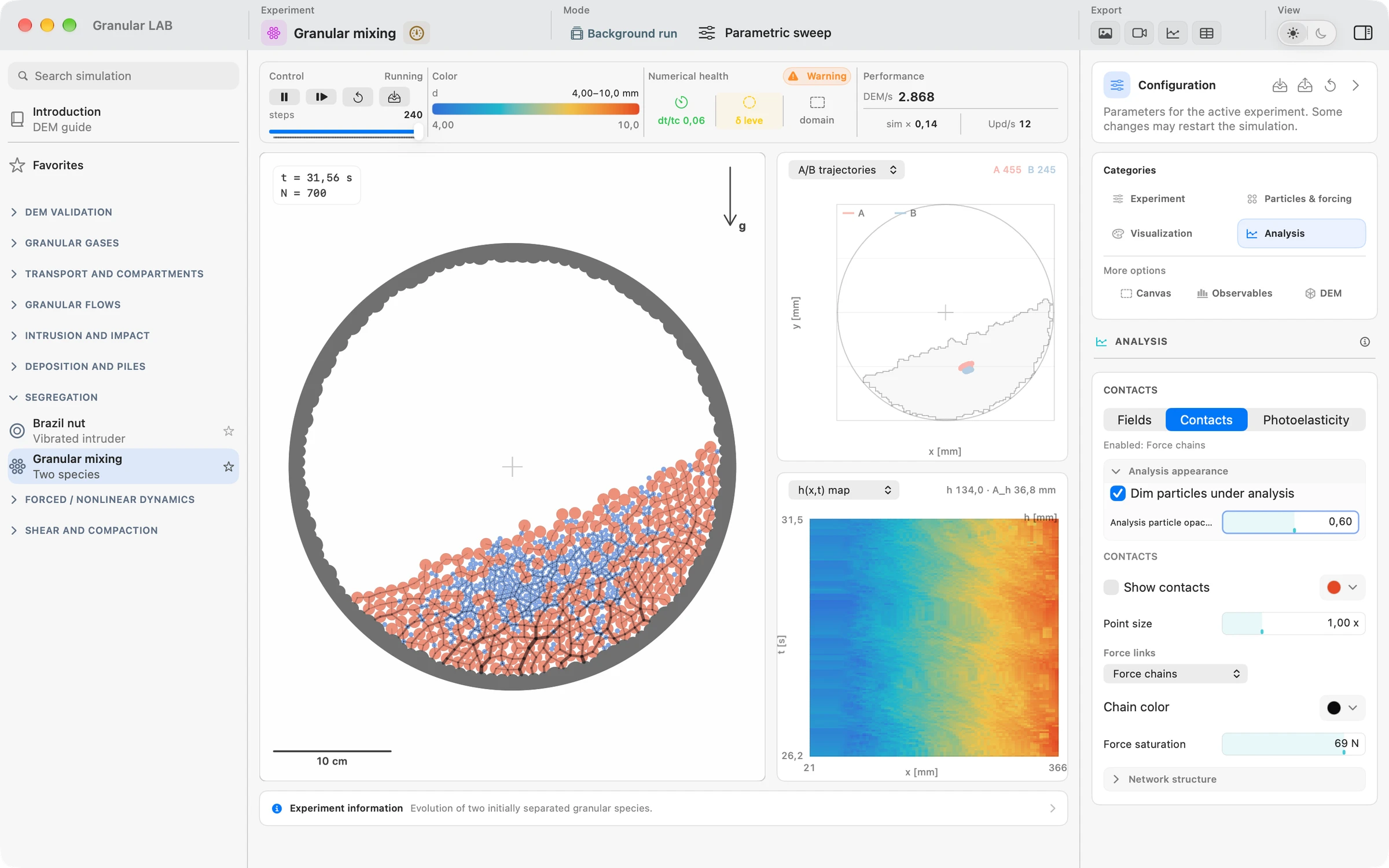
From self-propulsion to collective motion.
Explore persistence, turning, alignment, crowding and transport through geometry in nine idealized active-particle experiments.
Explore active-matter experiments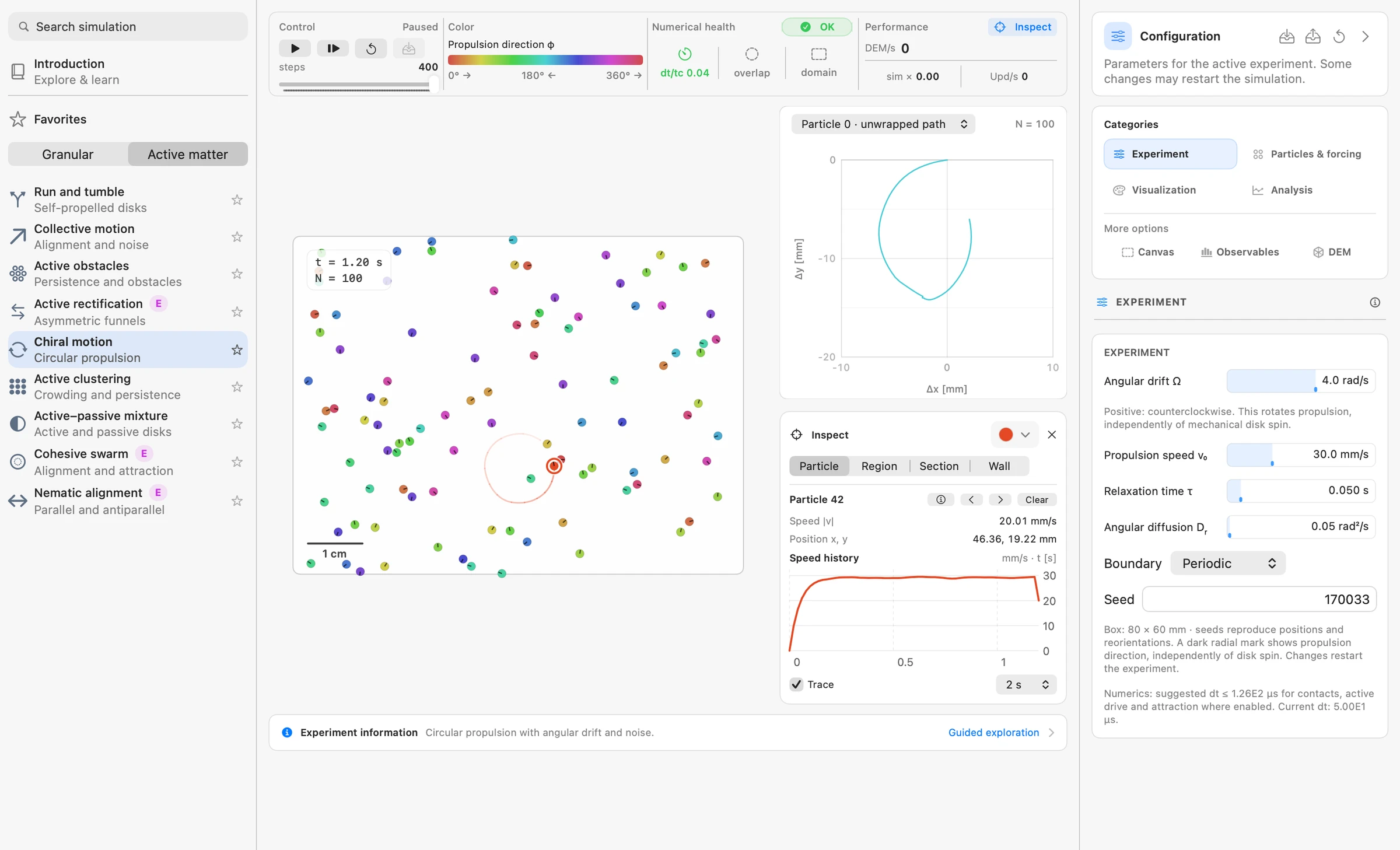
Analyze locally.
Understand globally.
Ask a question about one grain, a selected area or the whole system. Choose a tool to see how it measures the dynamics.
Read the analysis guideFollow a particle.Select one grain to follow its identity, trajectory, speed and available contact information as the simulation evolves.
Measure a fixed region.Draw a rectangle to measure particle count, number density and mean motion within a chosen part of the system.
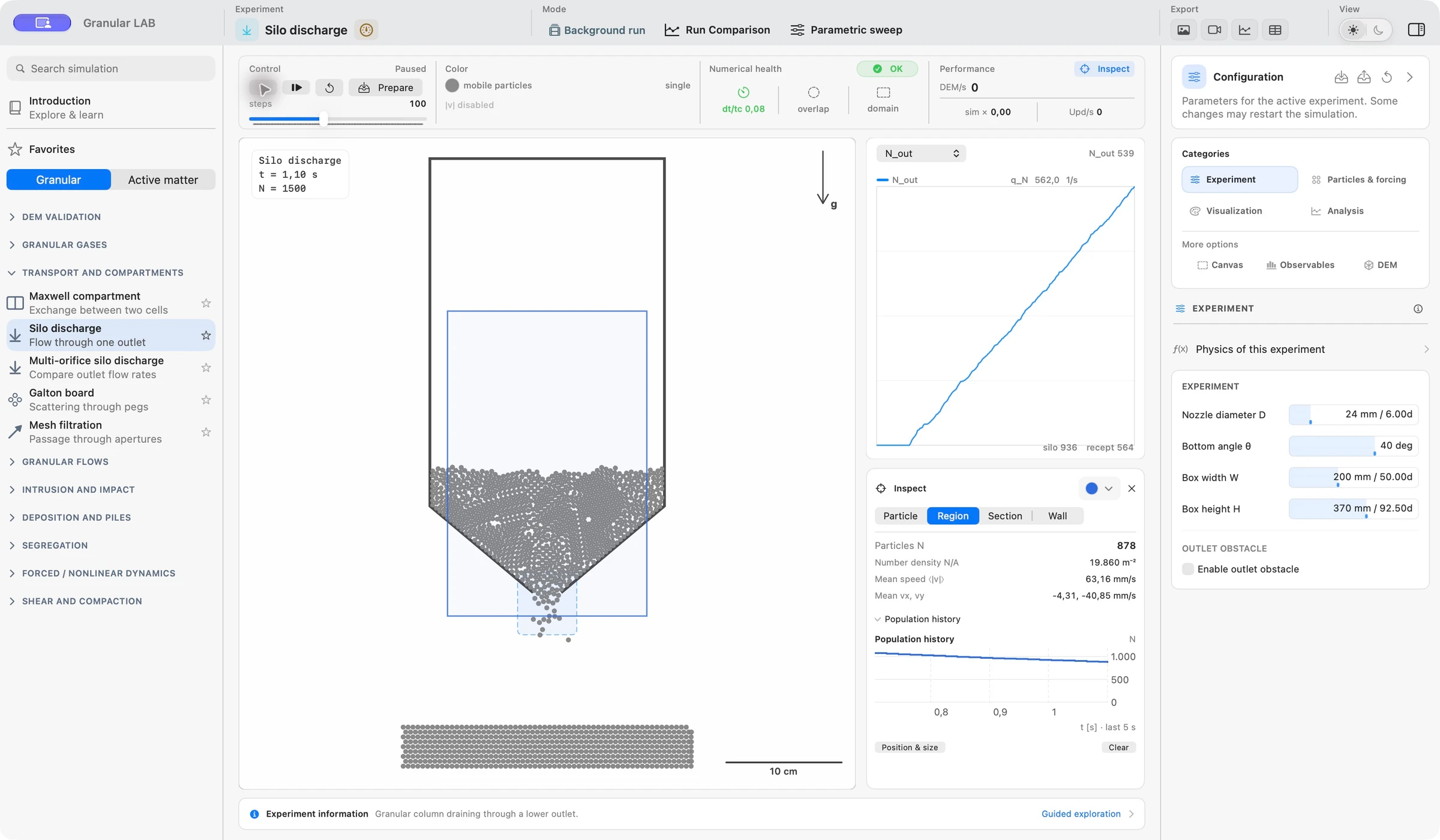
Measure flow across a line.Place an oriented section to count crossings in both directions and follow the net particle flow. Crossing counters are acquired during DEM stepping.
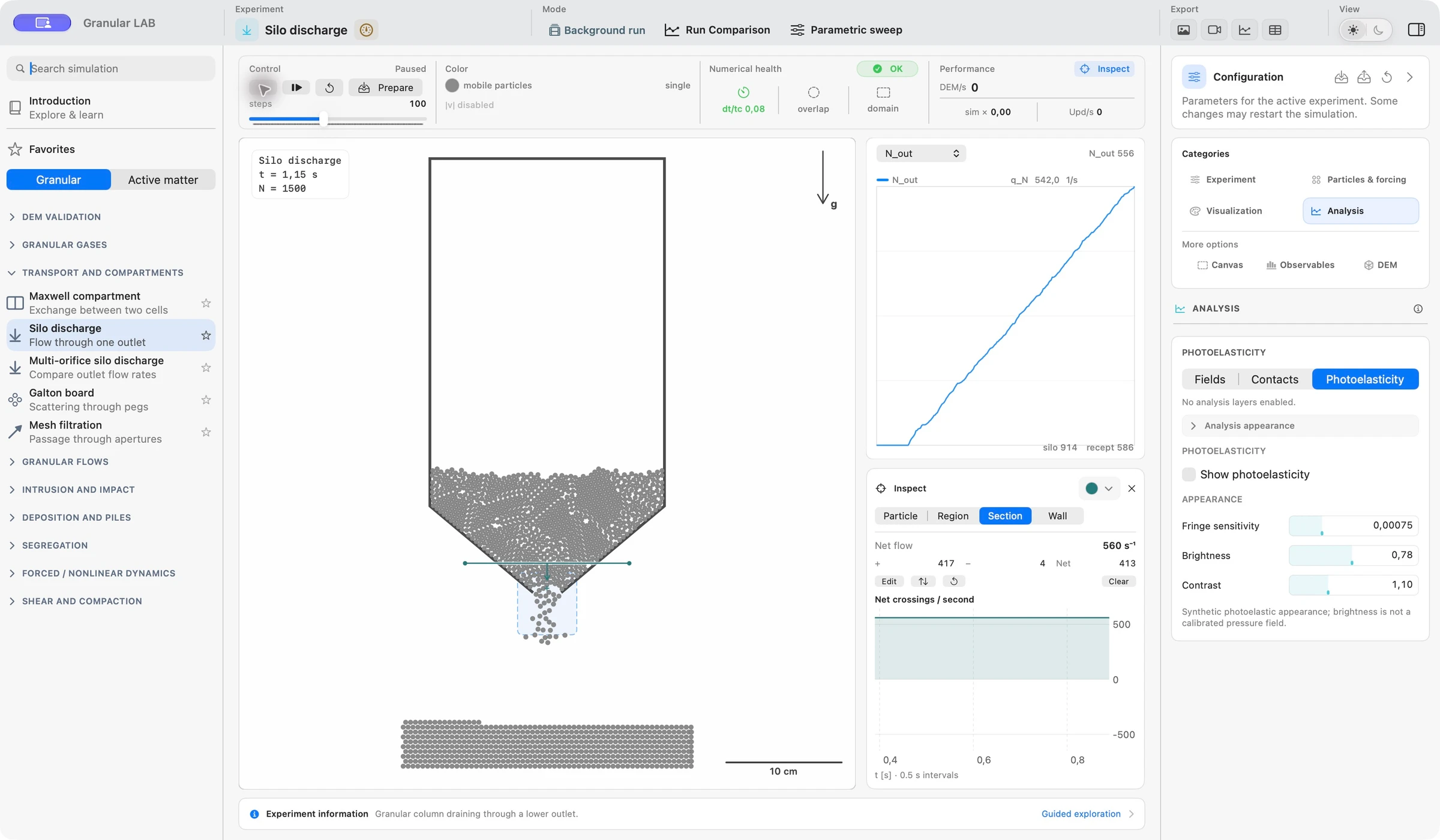
Read the boundary reaction.Select a physical wall to inspect available contact reactions and load histories. A periodic boundary is not a physical wall.
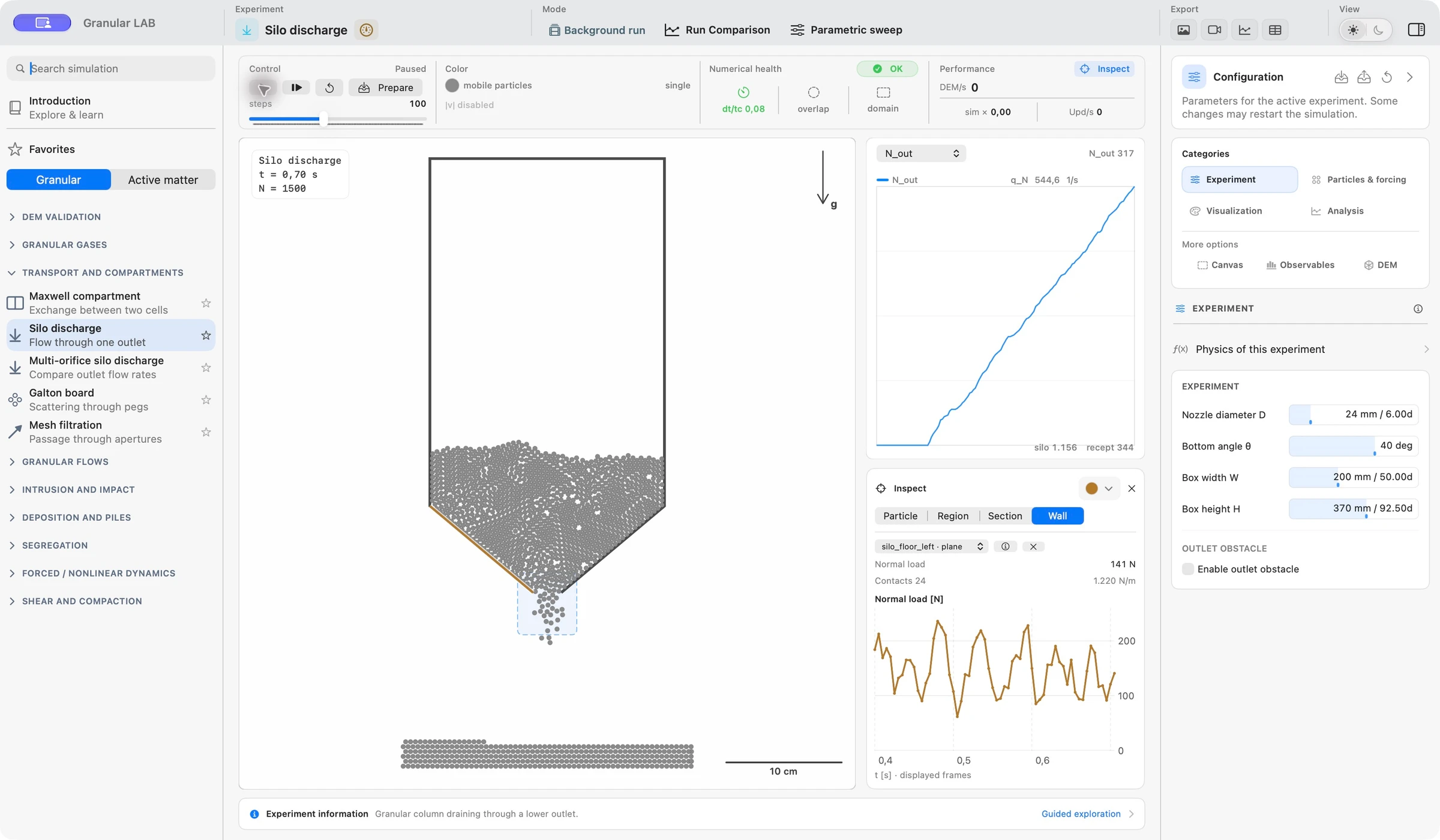
Map the collective motion.Explore spatial fields of area fraction, mean velocity, speed and agitation where supported. Choose the averaging scale deliberately to connect grains with a continuum view.
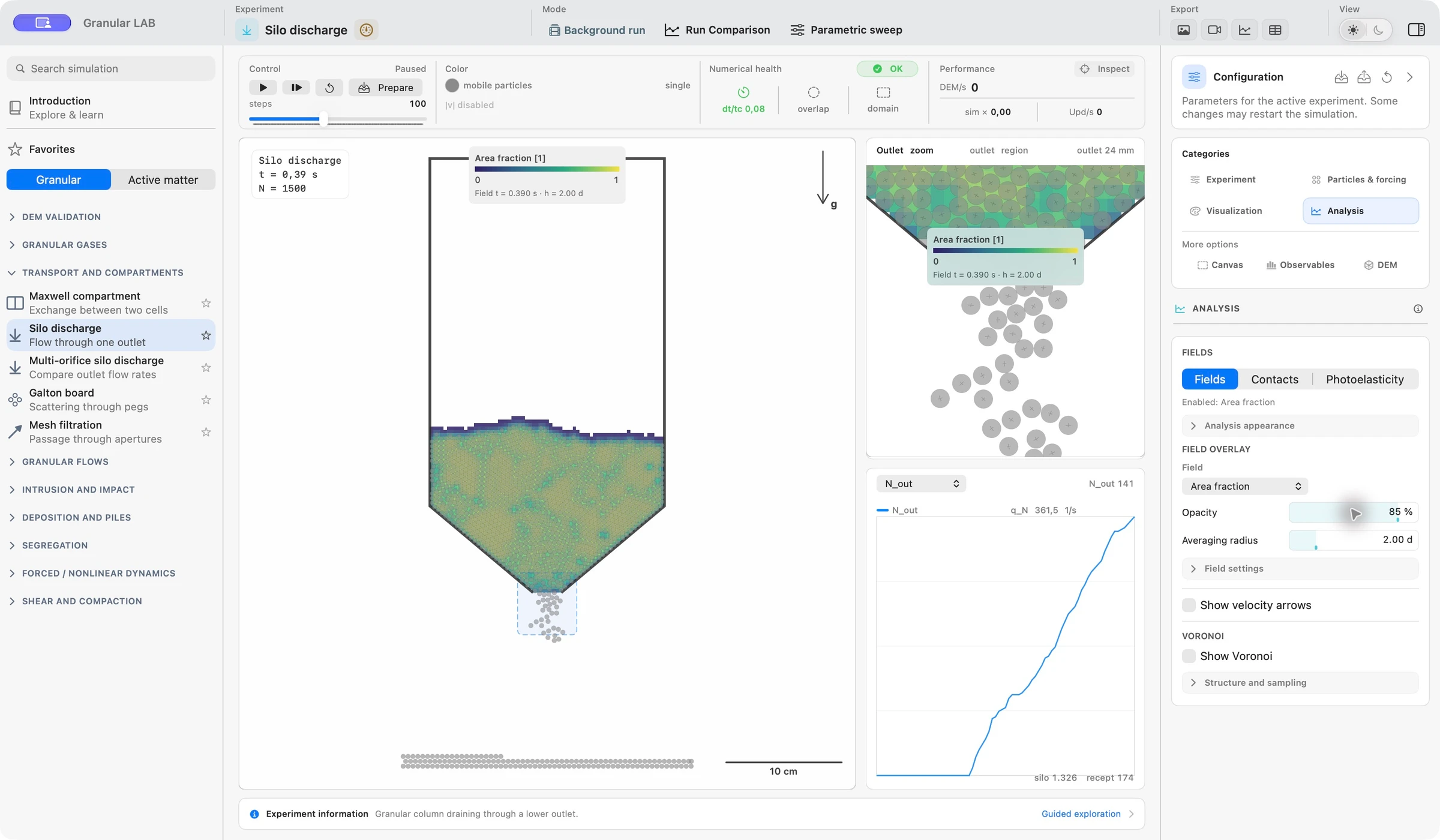
Explore contact and spatial structure.Compare the particle arrangement with contact-network and local-order diagnostics. Geometry, connectivity and transmitted force describe different aspects of the same packing.
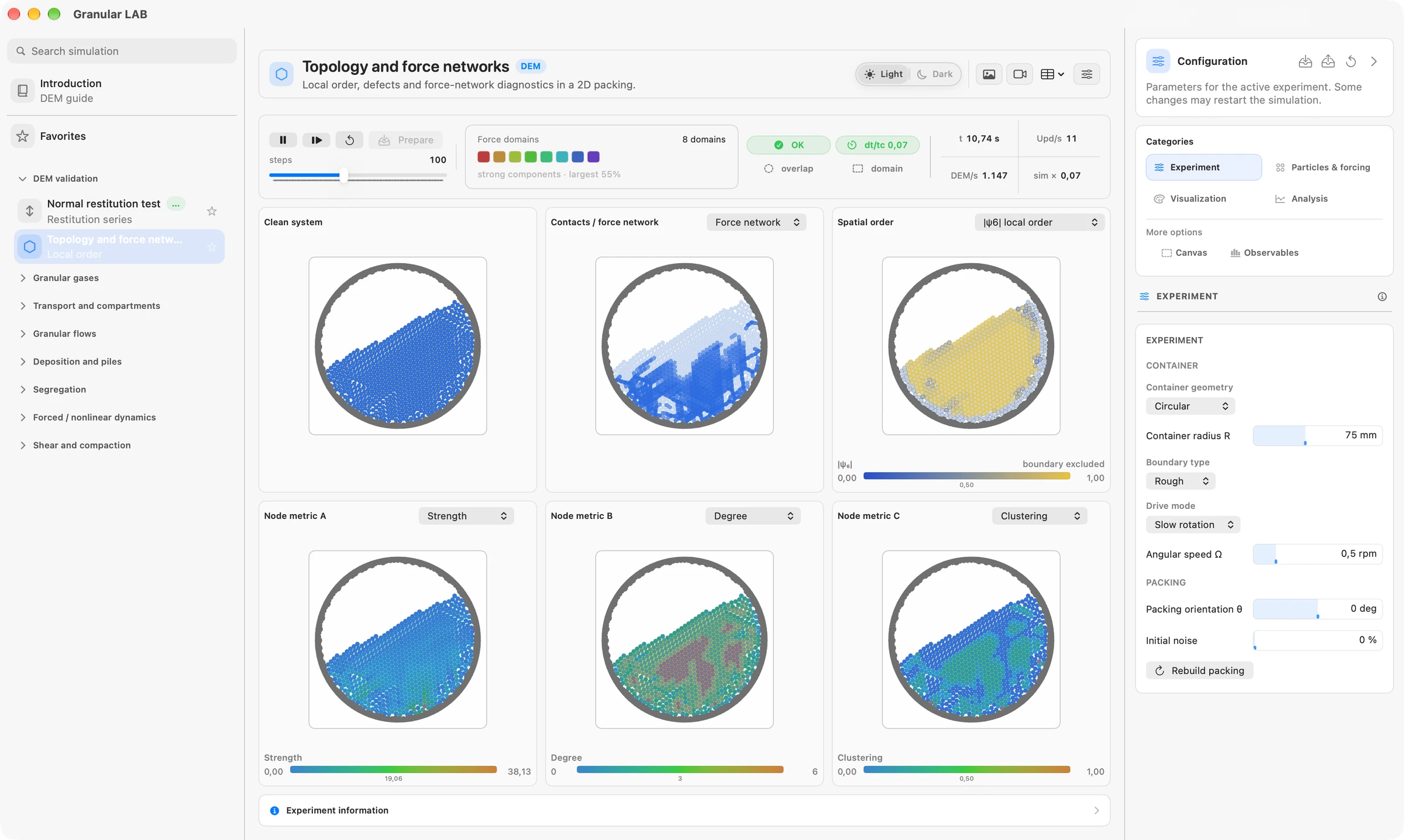
Reveal the paths carrying load.Display force links and chains to see how contact forces are distributed through the grains. Threshold and display scale help distinguish strong paths from the full network.
Visualize stress through synthetic fringes.Explore a synthetic photoelastic response to the simulated contact state. Optical gain changes the appearance, not the mechanical forces; the image is not a calibrated experimental stress measurement.
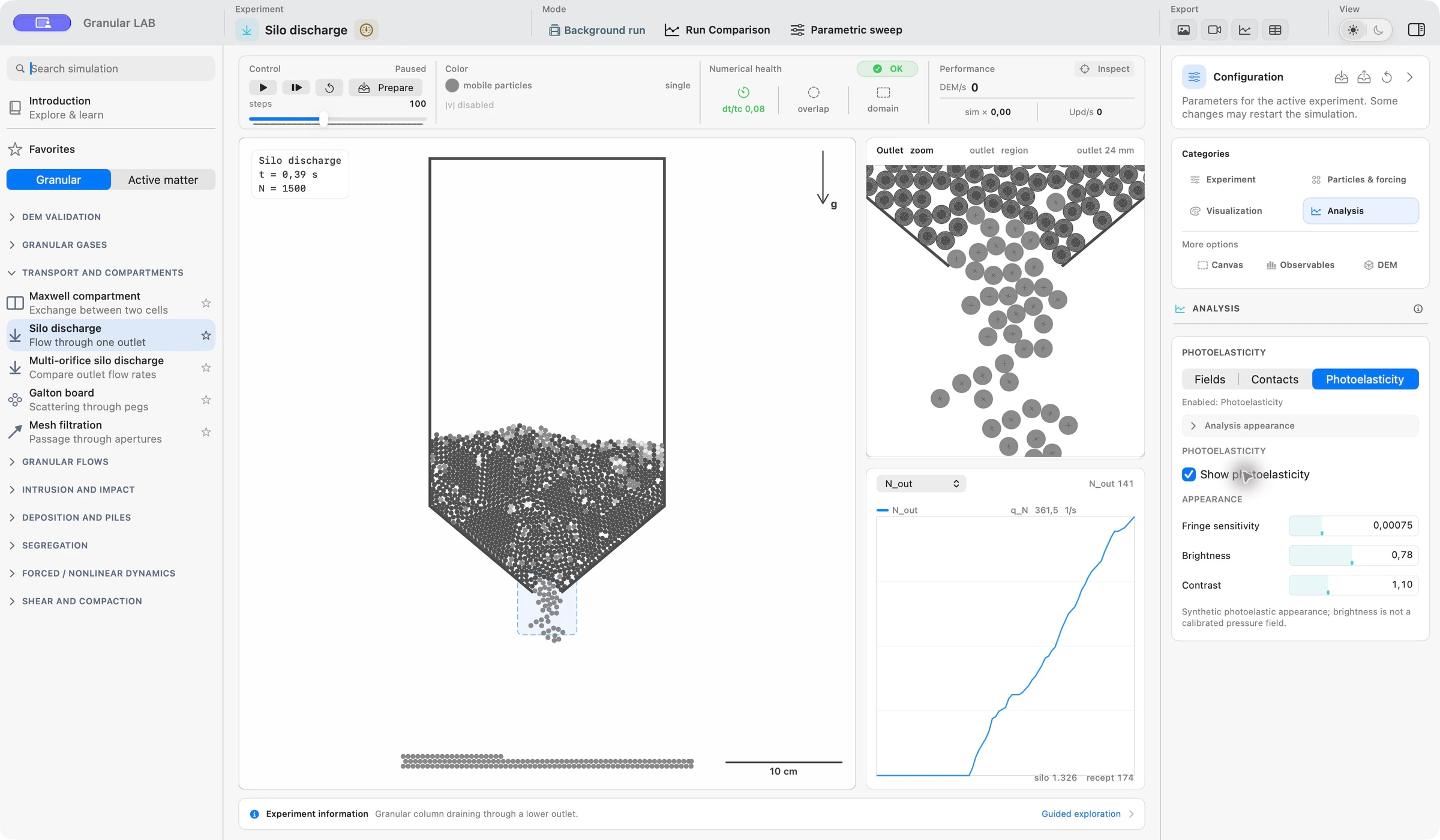
Measurements, layers and exports depend on the experiment. Local histories are acquired readings; synthetic photoelasticity is a visualization of the simulated state.
Change a parameter.
Compare the response.
Compare runs, explore a parameter range or prepare an independent background calculation.
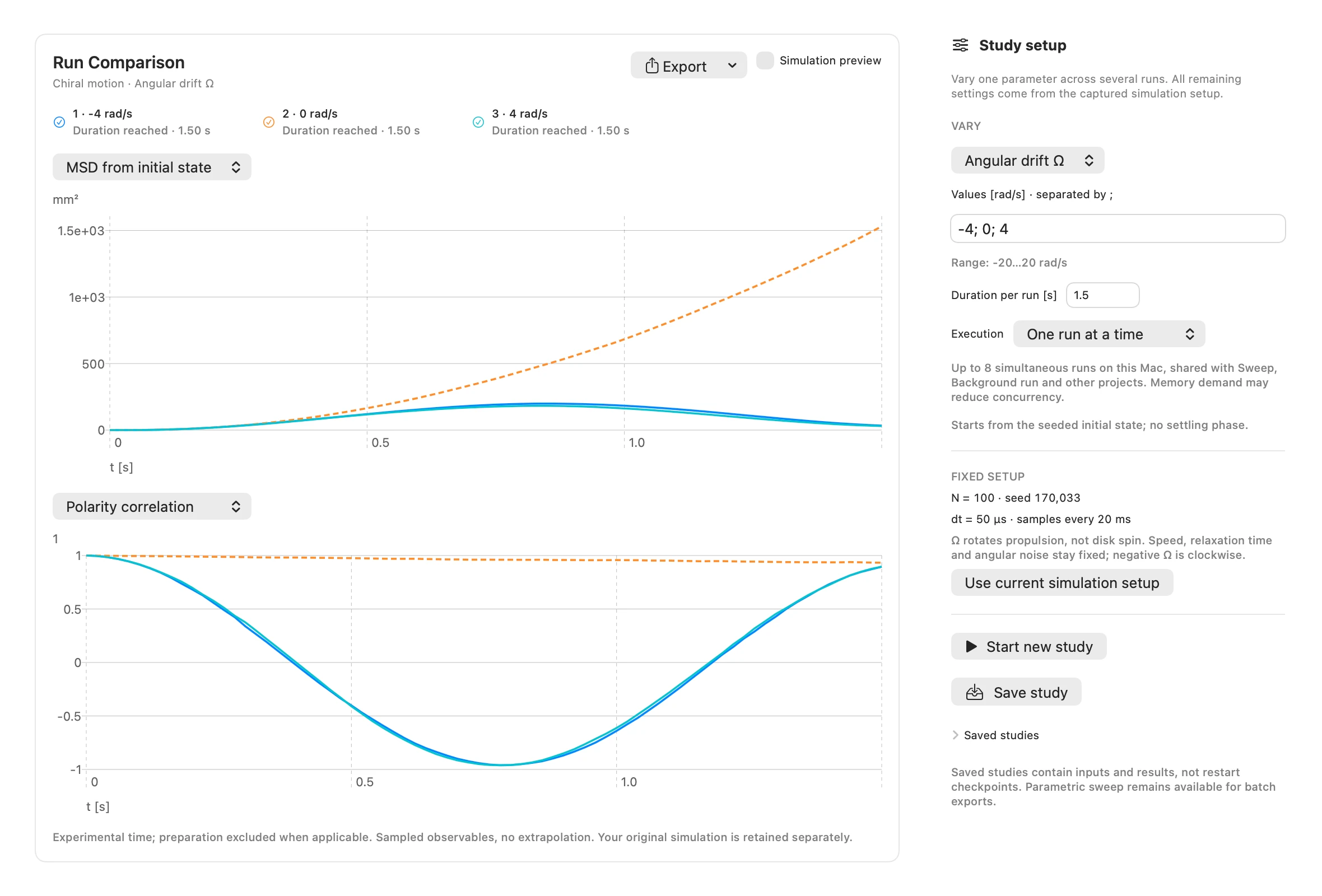
Choose a way to runCompare the response.Vary a parameter across independently evolved runs. Read acquired curves on shared axes and keep the inputs, results and diagnostic context together.
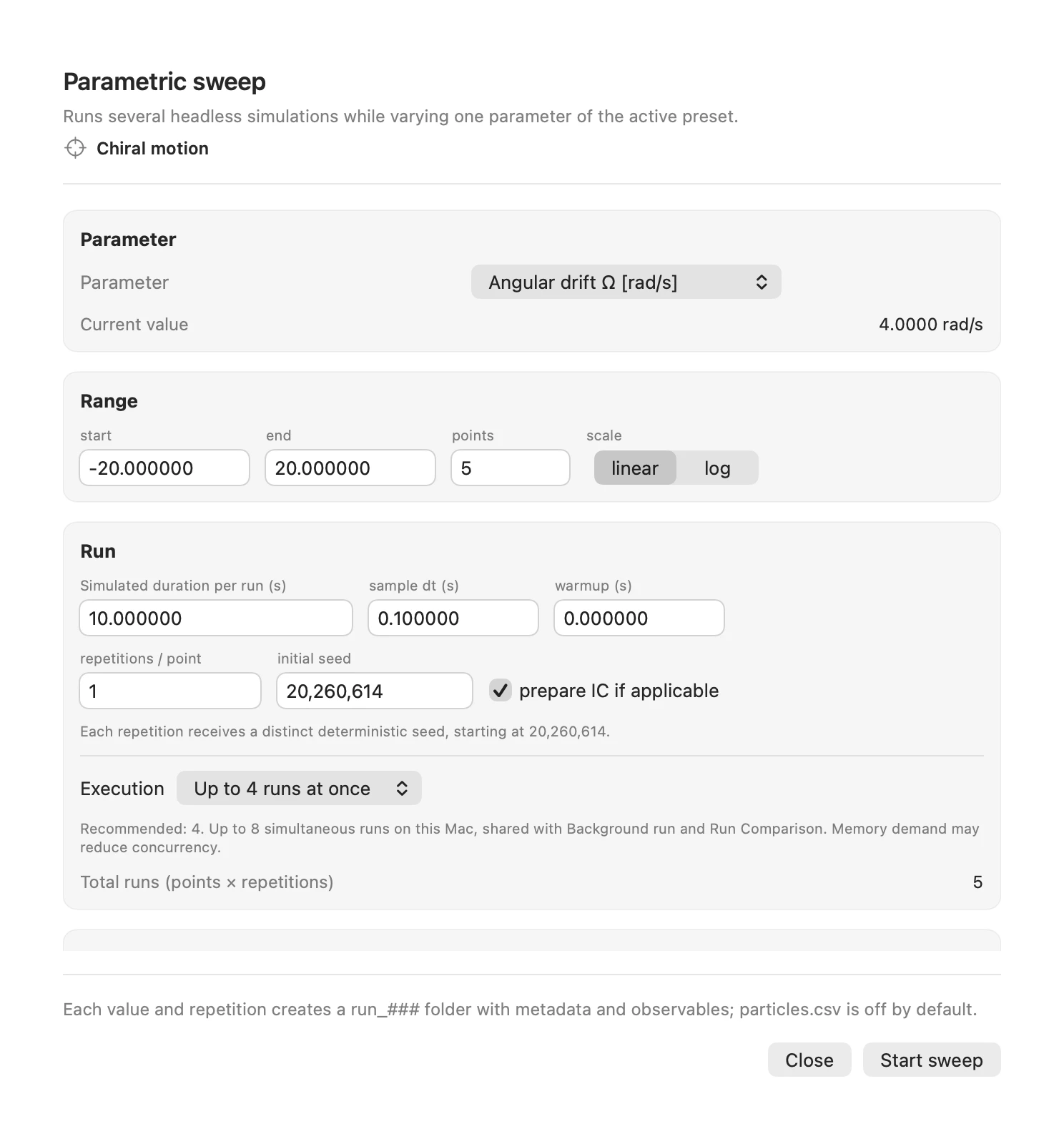
Explore a parameter range.Prepare a batch of parameter values and save the resulting data. Supported cases can run in parallel, with a shared scheduler that respects available memory and computing capacity.
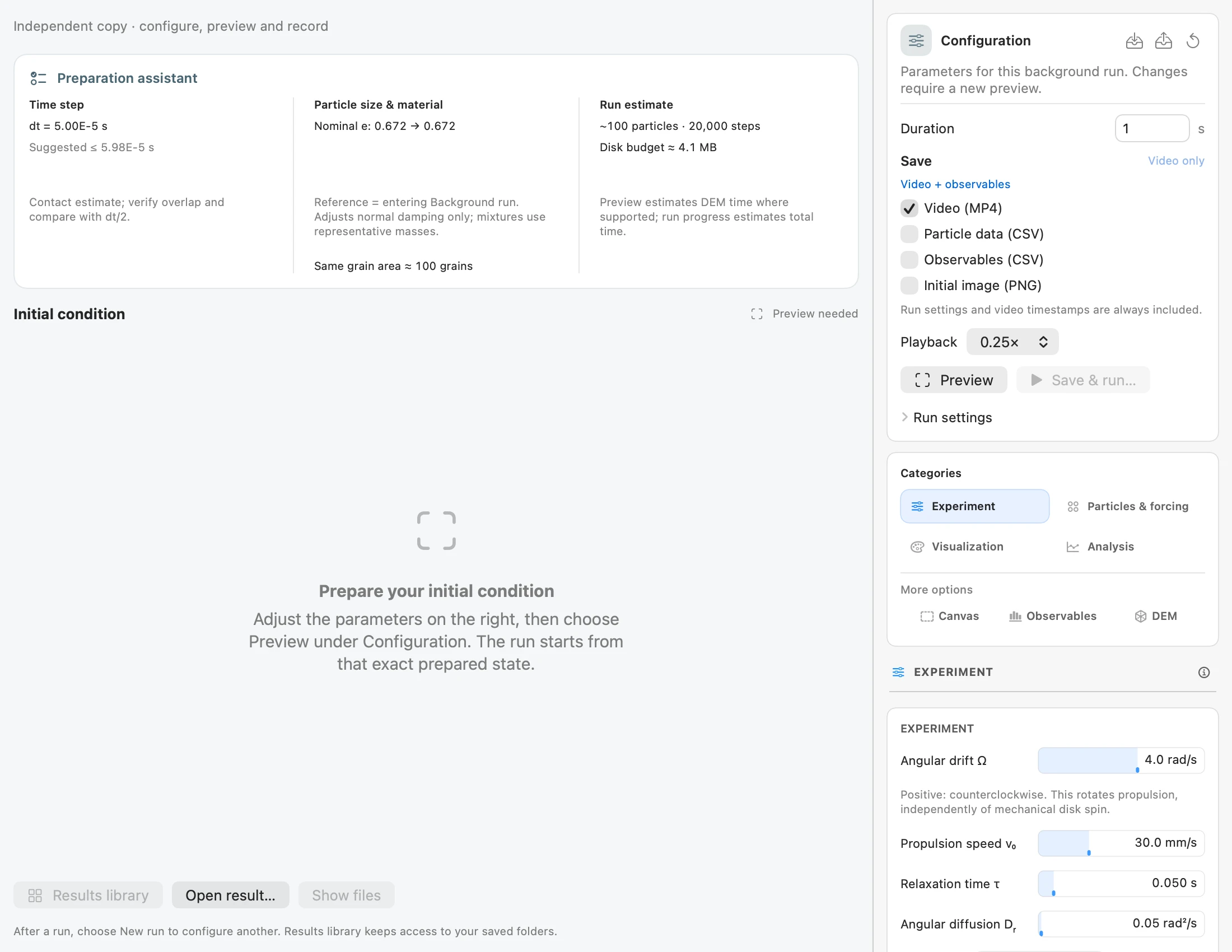
Run an independent experiment.Prepare a separate simulation while continuing to explore the workspace. Choose supported video and numerical outputs, then revisit saved results with synchronized observables.
Keep your work
in .glab projects.
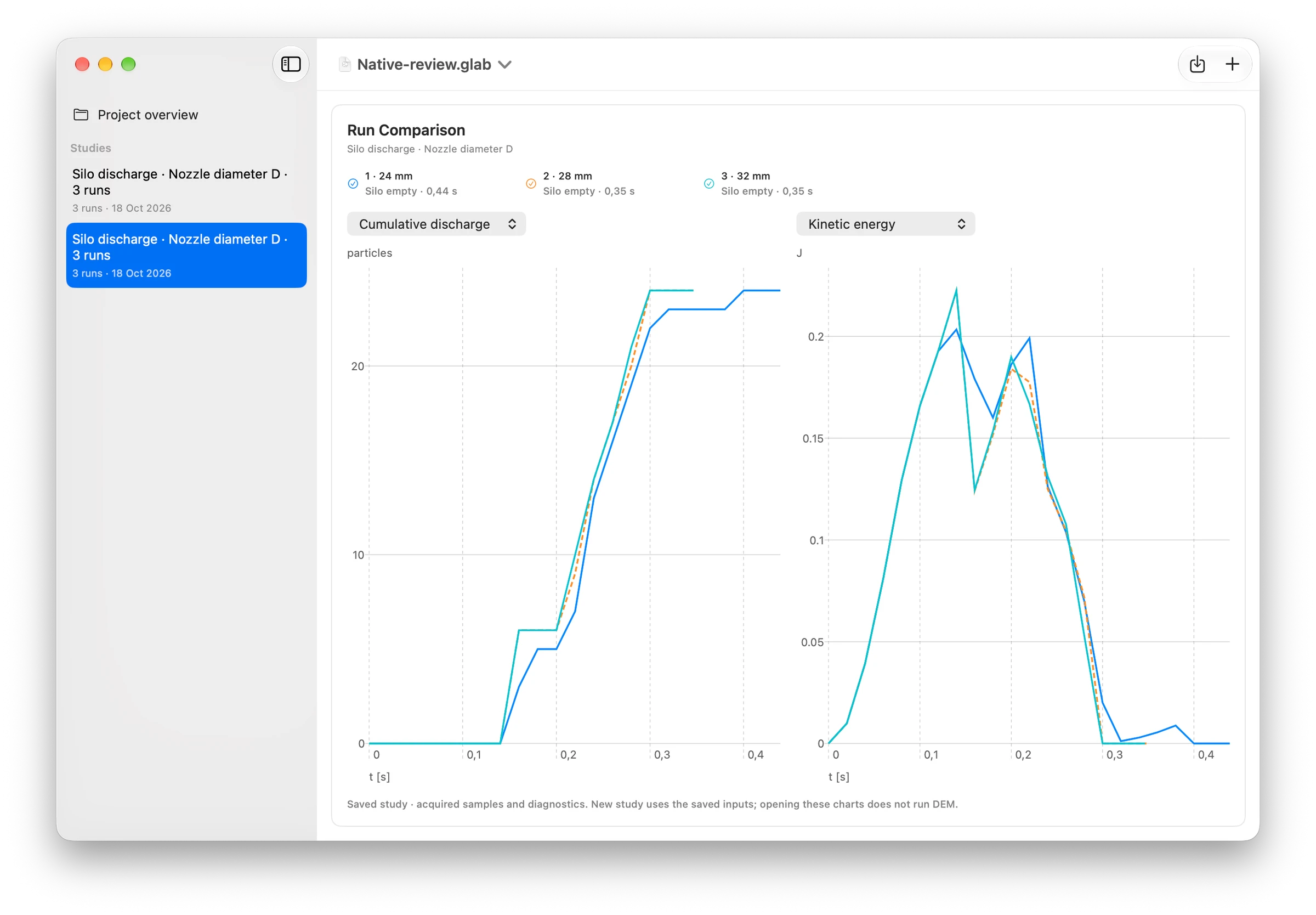
Bring together a captured setup, instruments, acquired recordings, studies and notes. Reopen saved results and revisit recorded frames without running the simulation again.
A project preserves inputs and acquired work. It is not a general checkpoint for resuming every physical state.
Connect the controls
to the physics.
Open Physics of this experiment in the app to read the equations, parameter meanings, units and assumptions behind each preset.
Use the guide and complete English manual for measured examples, numerical context and step-by-step procedures.
Keep exploring.
Granular LAB 2.1 for Mac. Works offline. No account required.
Read the user manual (PDF)Cite Granular LAB
Varas, G. Granular LAB: a native macOS workspace for granular and active-matter simulations. Version 2.1.0, 2026.
Apple, the Apple logo, Mac, and macOS are trademarks of Apple Inc., registered in the U.S. and other countries. App Store is a service mark of Apple Inc.